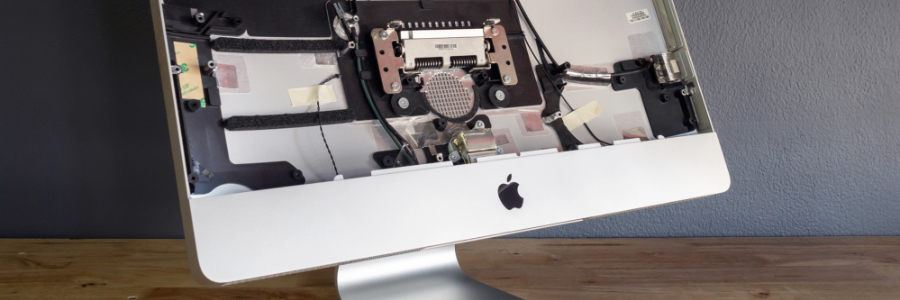

5 Reasons SSDs are better than HDDs for Macs
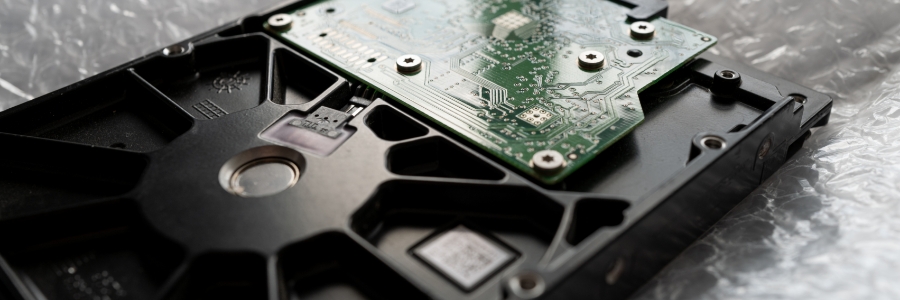
September 2nd, 2022

Solid-state drives (SSDs) are fast becoming the standard for data storage because of their many advantages over hard disk drives (HDDs). Here are the top five reasons SSDs are better than HDDs for Macs.
SSDs are more reliable
All types of disk drives are more likely to fail with age, but SSDs are more resistant to age-related degradation than HDDs. This is because most modern SSDs use NAND flash memory, which is not as susceptible to the wear and tear that HDDs experience with their spinning disks.

Why jailbreaking your iPad is a bad idea

July 25th, 2022

Many iPad users are usually happy with their device, but there are a few who want to install apps that are not on the App Store and even change the performance of their device outside of what Apple allows. The only way to do this is through jailbreaking.

Mac keyboard shortcuts you should be using today

May 27th, 2022

Keyboard shortcuts can enhance users’ productivity and save time, but not everyone knows about them. If you own a Mac, these are the keyboard shortcuts you need to start using now.
Minimize or dock the front app window: Command + M
If you have several open apps, browsers, and Finder windows, use this shortcut to minimize the front window to the Dock.

Simple tips to prolong your iPhone’s battery life

April 15th, 2022

Employees rely on smartphones to contact clients and coworkers as well as to work on the go. So if your iPhone runs out of battery, it can significantly hinder productivity and communications. Avoid this risk by following these simple battery-extending tricks.

5 Tips for customizing your new iPad

March 7th, 2022

Whether you purchased an iPad for personal use or work, there are several things you need to configure before using it. But if you’re not familiar with the menus on the Settings app, these five tips will help.
Touch ID
The first thing you must change is iPadOS’s fingerprint recognition features.

How to protect your business from Mac ransomware

January 26th, 2022

Windows users are often the victims of ransomware attacks. For example, in 2017, WannaCry and Petya ransomware infected hundreds of thousands of Windows PCs around the world. Unfortunately, ransomware strains that specifically target Macs are expected to grow in number as well.

How to move data from your old PC to your new Mac

December 17th, 2021

If you’re switching from a Windows PC to a Mac, and you’re worried about losing years’ worth of data on your old machine, don’t fret. Changing platforms doesn’t have to mean starting over with Apple’s free tool called Windows Migration Assistant.

Is malware a problem on Macs?

November 24th, 2021

There’s a common misconception that Apple computers can’t get infected with malware. The truth is Macs are resistant to most Windows-based bugs and malicious codes but they aren’t invulnerable. Here are some threats that can compromise your Mac and how to tell that you’ve been infected.

How to use external monitors with Mac computers

September 27th, 2021

It’s much more convenient to work when you have two monitors. In case you’re using a Mac computer (a MacBook Pro, MacBook Air, or Mac mini) and want to hook an external monitor to it, we’ve got a few tips for you.

First, check which displays your Mac device supports by doing the following:

Click the Apple Menu (located on the left-hand side of the screen) then click About This Mac.

Want to get rid of your Mac? Not so fast

August 18th, 2021

Buying a secondhand Mac is a popular way to save money on relatively expensive equipment that retains its value. Conversely, selling your used Mac is a great way to expose yourself to identity theft — unless you follow these steps to keep your personal information safe.